Plan the trip
Add the item name, a quantity when needed, and an estimated price to help plan what to buy.
Keep one grocery list that the people in your household can update together. Circlst gives shopping its own list type, so quantities, estimated prices, and checked items stay easy to see.
Install and create your account Free to start on Google Play. Optional Plus and Pro plans.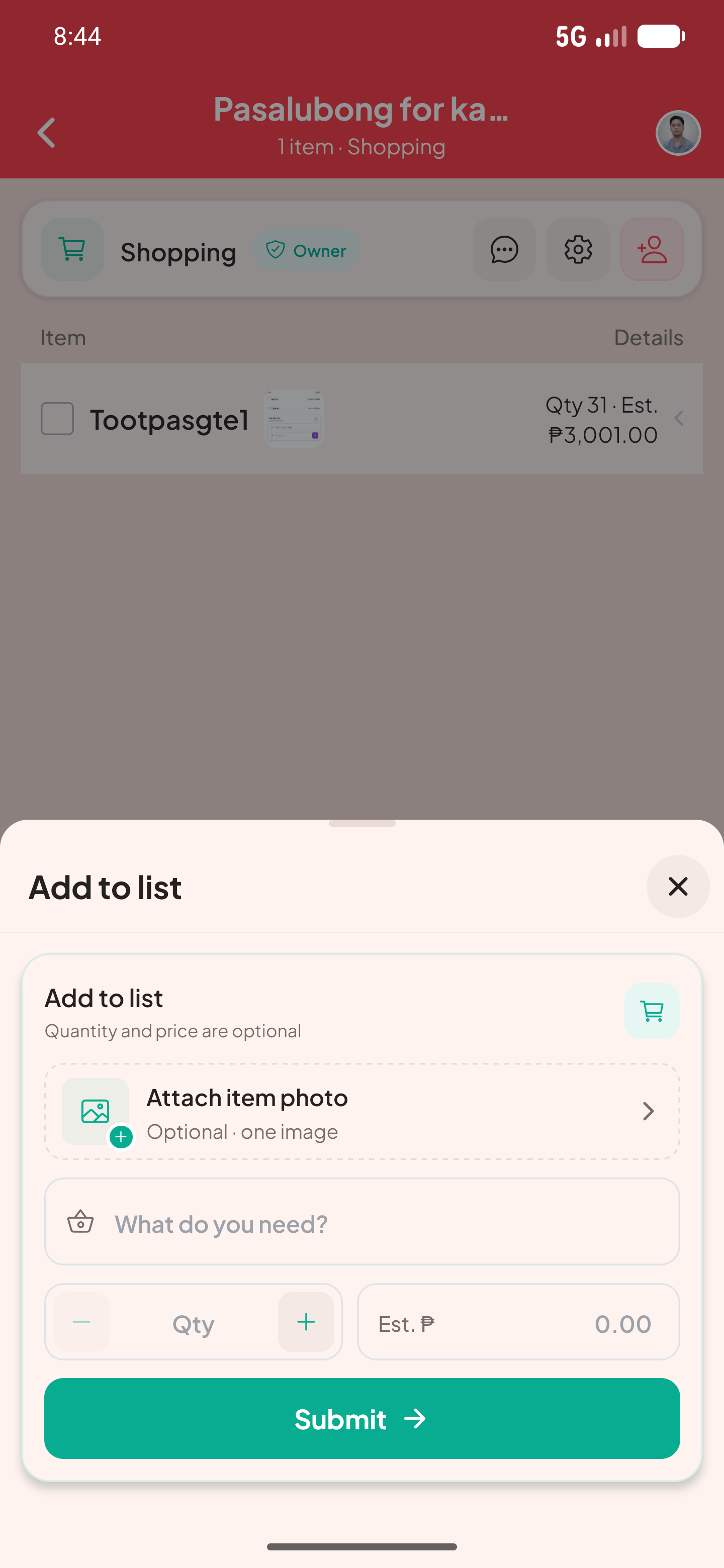
Add the item name, a quantity when needed, and an estimated price to help plan what to buy.
Check off items as they go into the basket instead of keeping separate notes or messages.
Invite household members as editors so they can add items, or viewers when they only need to see the list.
Here is one way to set up the list and see the information at a glance.
| Rice | 2 kg | To buy |
|---|---|---|
| Milk | 2 cartons | To buy |
| Eggs | 1 tray | Checked |
Yes. An owner can invite another person as an editor, and authorized members see shared updates.
Circlst is currently available as an Android app. Its web application is not available for list editing.