Plan and check off work
To-Do, Custom Checklist, Shopping, Meal Planner, Gift Wishlist, Habit Tracker, and Maintenance Log.
Circlst combines purpose-built lists for planning, spending, shopping, and everyday work. Pick the right format for each task, then share only the lists that need other people.
Install and create your account Free to start on Google Play. Optional Plus and Pro plans.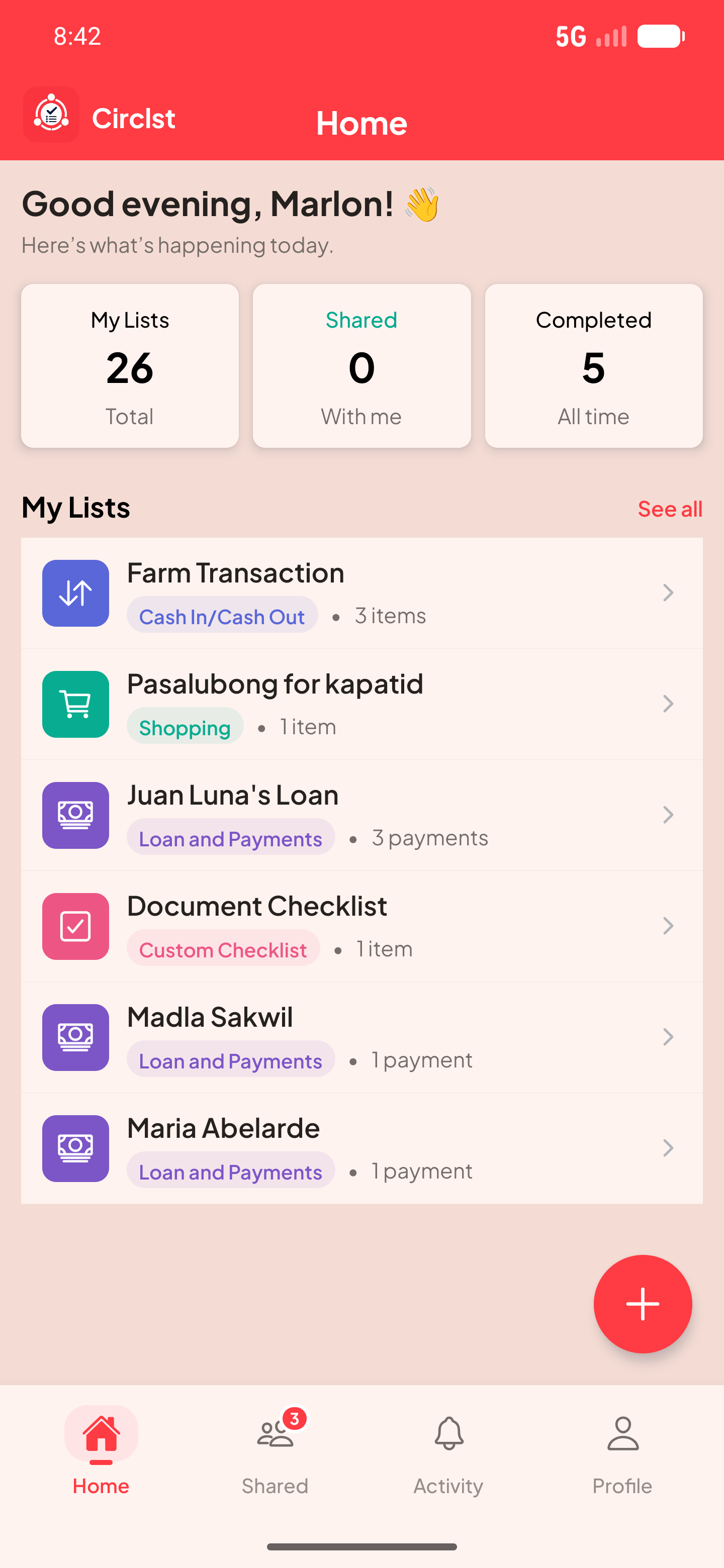
To-Do, Custom Checklist, Shopping, Meal Planner, Gift Wishlist, Habit Tracker, and Maintenance Log.
Budget, Expenses, Income, Cash In / Cash Out, Bills & Subscriptions, Loan and Payments, Debts, and Savings Goal.
Inventory, Sales List, and Orders provide fields suited to stock, sales, and order progress.
Here is one way to set up the list and see the information at a glance.
| List types | All 18 | Free, Plus, Pro |
|---|---|---|
| Sharing | Viewer and editor roles | Plan limits apply |
| Updates | Real-time shared lists | For authorized members |
Yes. The Free plan includes all 18 list types with limits. Plus and Pro are optional subscriptions billed through Google Play.
Circlst is currently an Android app available through Google Play.