Record actual spending
Add an expense name, amount, and date, then see the list total.
A shared expense record helps couples, housemates, and small groups see what was spent. Circlst keeps the expense list close to the budget, bills, and shopping plans that led to it.
Install and create your account Free to start on Google Play. Optional Plus and Pro plans.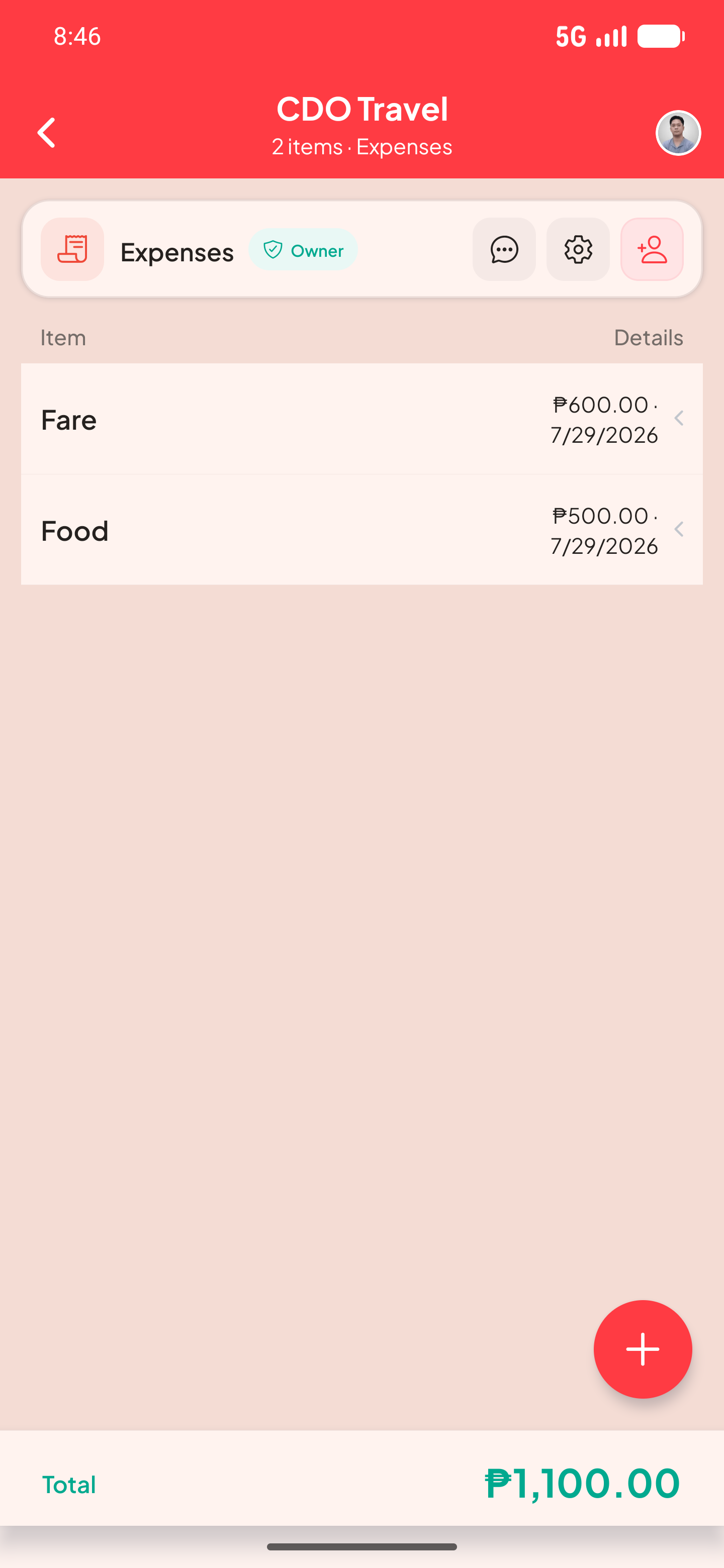
Add an expense name, amount, and date, then see the list total.
Share the Expenses list with editors who add costs or viewers who only need to follow them.
Use separate Budget and Bills & Subscriptions lists to distinguish planned amounts from money already spent.
Here is one way to set up the list and see the information at a glance.
| Fare | ₱600 | Jul 29 |
|---|---|---|
| Food | ₱500 | Jul 29 |
| Total recorded | ₱1,100 |
Yes. Custom expense splits are included with Plus and Pro. The Free plan can still record and total expense items.
No. Circlst is a record and planning tool; it does not transfer money.